How to use CodeRaider
From signing in to an open door. The pictures show the app with example names, and the clips are from real raids.
Not installed yet? See the install guide
- 01
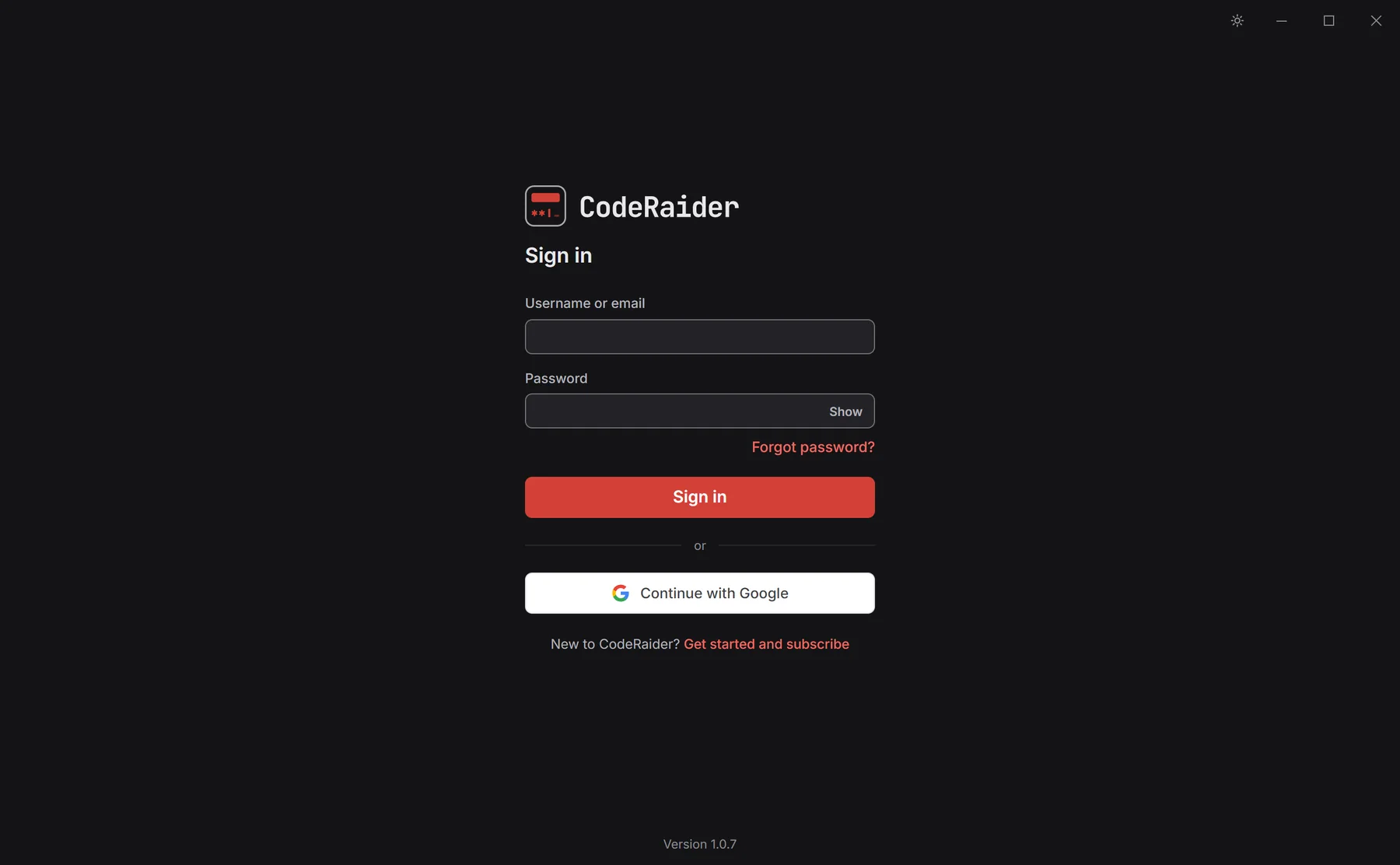
Sign in
Open CodeRaider and sign in with Google or with your email and password. Each raider uses their own account on their own PC.
- 02
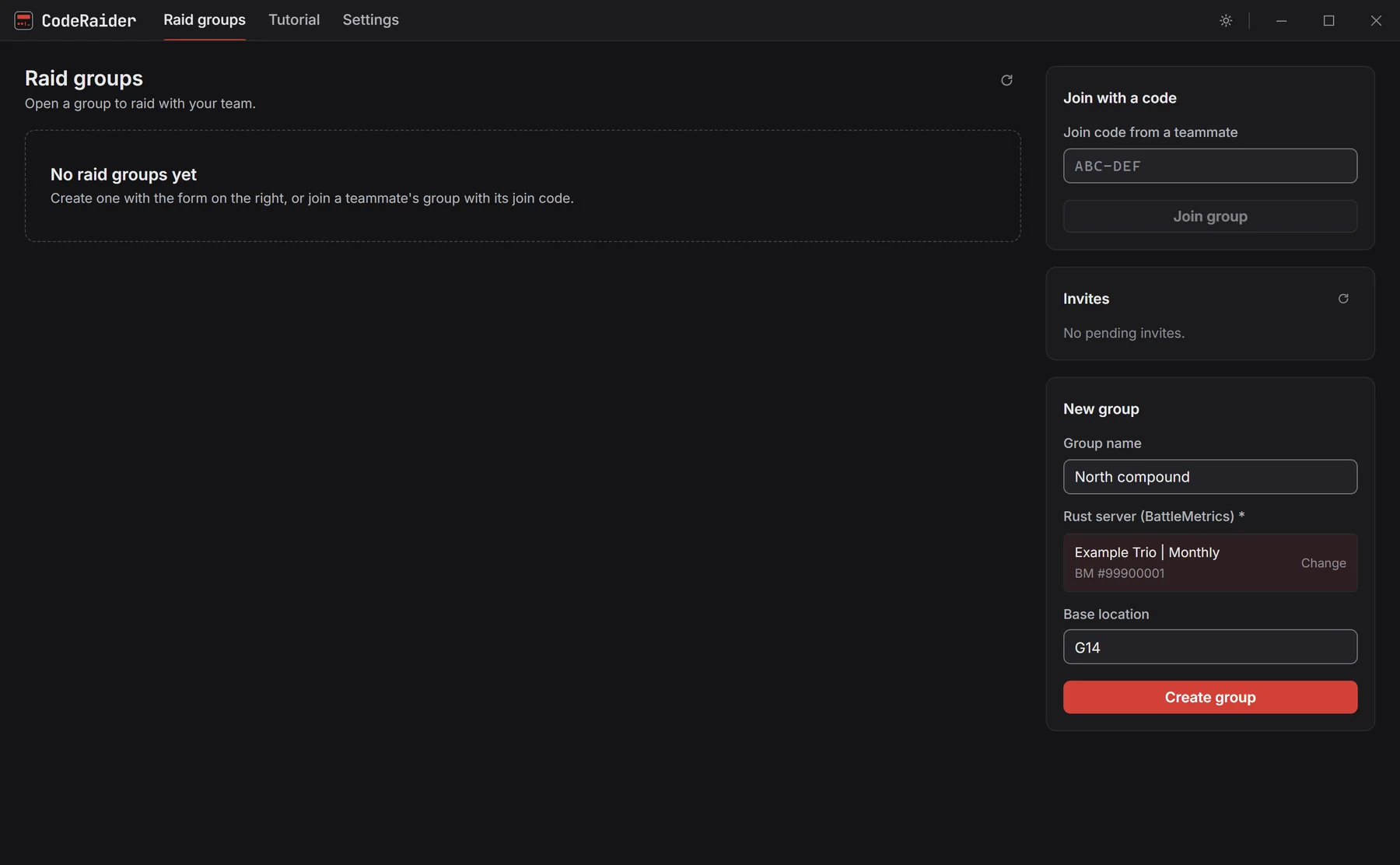
Make a raid group
A raid group is one base your team wants to open. On the Raid groups page, give it a name, search for your Rust server, enter the base's map square and click Create group.
- 03
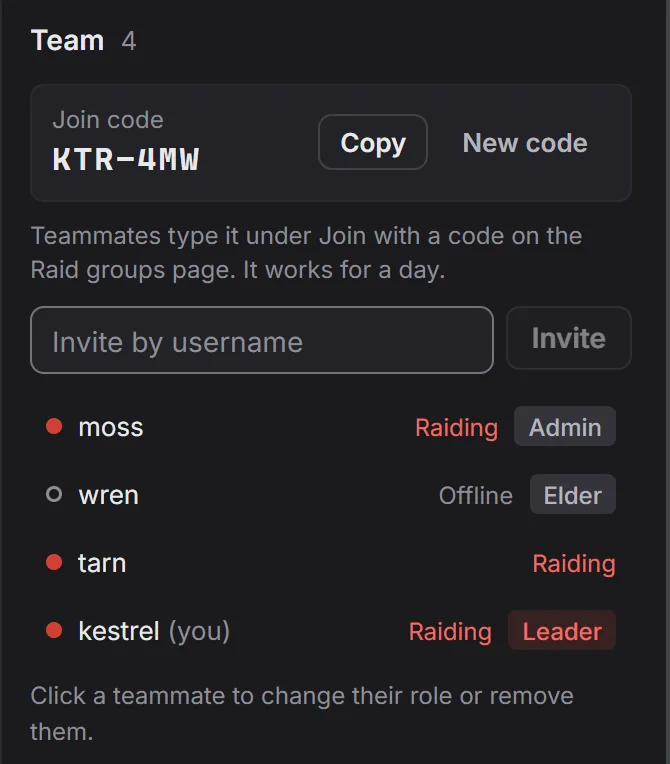
Bring your team
Open the group and copy its join code from the Team panel. Your teammates type it under Join with a code on their Raid groups page. You can also invite someone by username.
- 04
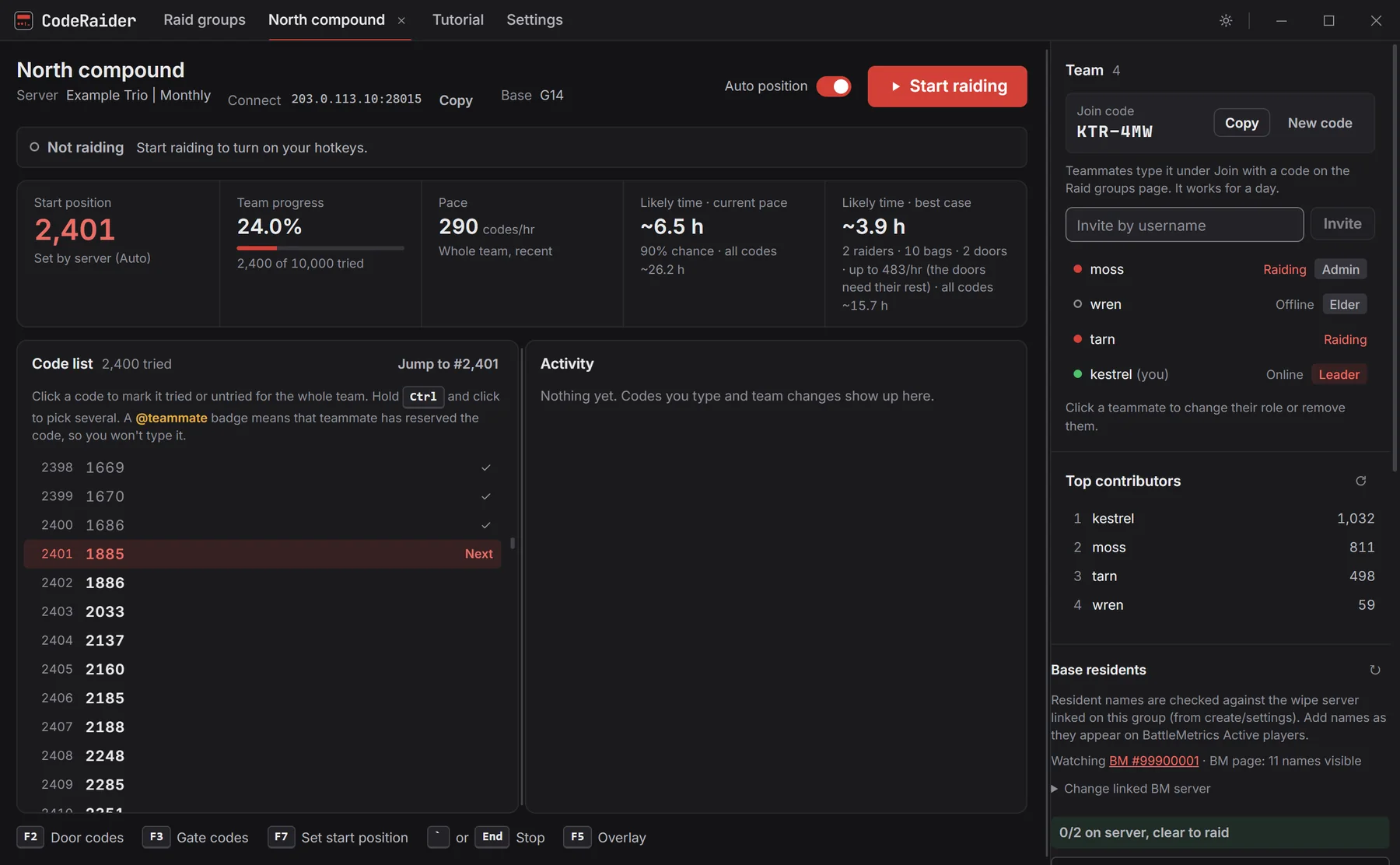
Start raiding
Click Start raiding. That turns on your hotkeys, which are listed along the bottom of the screen.
- 05
Stand at the lock and press a key
In Rust, face the code lock and press F2 for a door or F3 for a gate. CodeRaider types codes until you die or press the stop key. Each code it types is marked tried for the whole team, and every raider is handed different codes. When you respawn, go back to the lock and press the key again.
- 06
Watch it from inside the game
Press F5 for a small panel on top of Rust that shows how many codes your team has tried, your health, how many codes this life has left and your pace. Clicks pass through it to the game. Drag the strip at its top to put it anywhere on your screen.
- 07
Record a bag run
On the death screen, press F9 and click one of your sleeping bags on the map. Run to the code lock, face it and press F9 again. The run is saved and typing starts on that lock. Record as many bags as you can around the base, spread out, because each bag has a 5 minute timer after you use it.
- 08
See your bags on the death map
Each time you die, CodeRaider rings every recorded bag on the map with its name and the door it runs to, so you can see which bags are ready and which door each one serves.
- 09
Let it respawn and run back for you
Turn on Auto bag runs. After each death CodeRaider picks a ready bag, respawns on it, replays your recorded run to the lock and starts typing again. Touching your keyboard or mouse during a run hands that life back to you. The in-game panel then offers to delete that run's recording, and asks once more before it does.
- 10
When a code works
CodeRaider stops typing, shows the code in green and saves it for the team, so everyone in the group sees it.
- 11
Change your keys
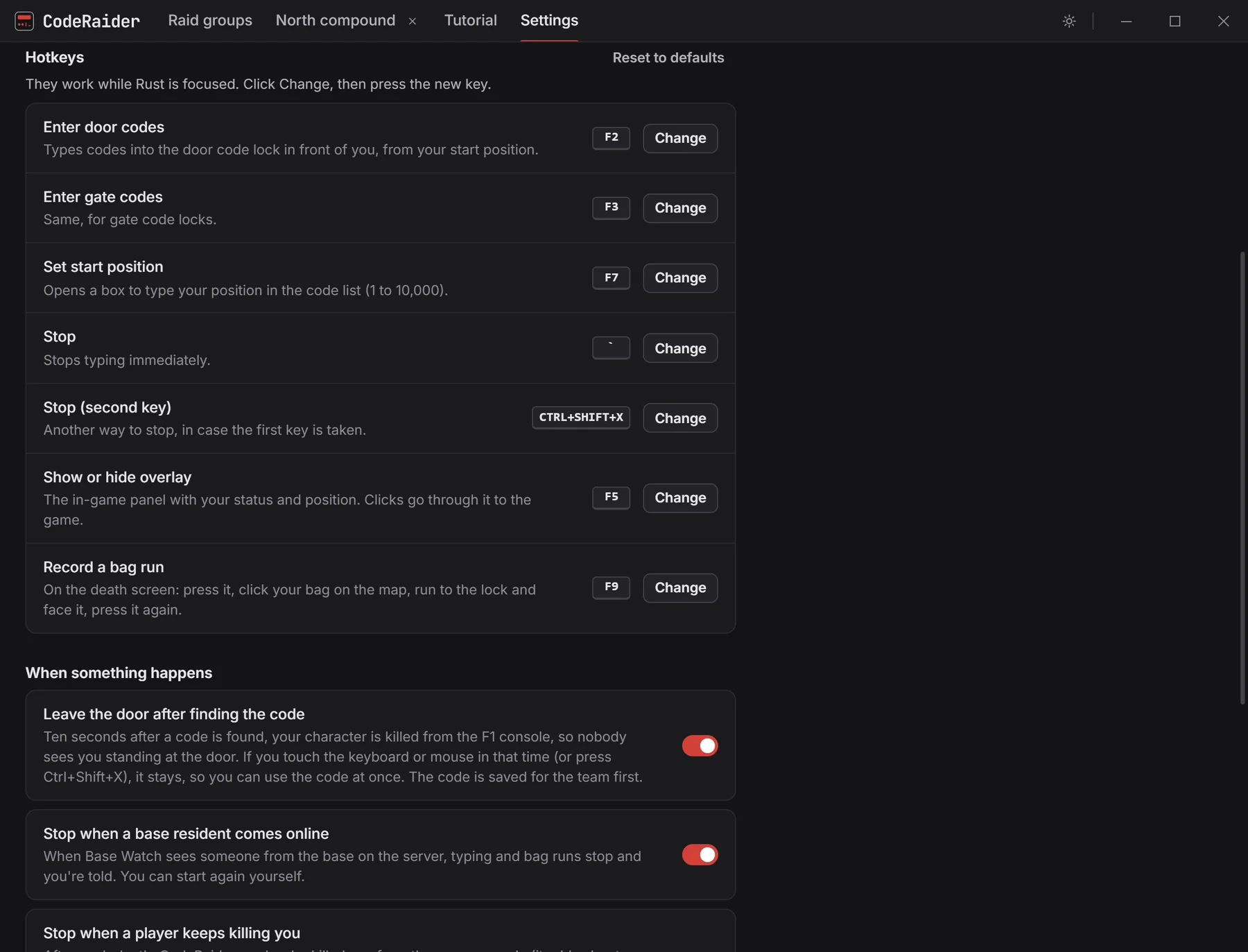
Every hotkey can be changed under Settings. The same page controls what happens when a code is found or a base resident comes online.
The app has its own Tutorial tab with more detail. Contact support if something here doesn't match what you see.